Clip the last 30 seconds with one key.
Something just happened. Press X in the workspace and ClipLive captures the last 15, 30 or 60 seconds of your live stream as a clip.
Streaming yourself? Clip from OBS with a stream key
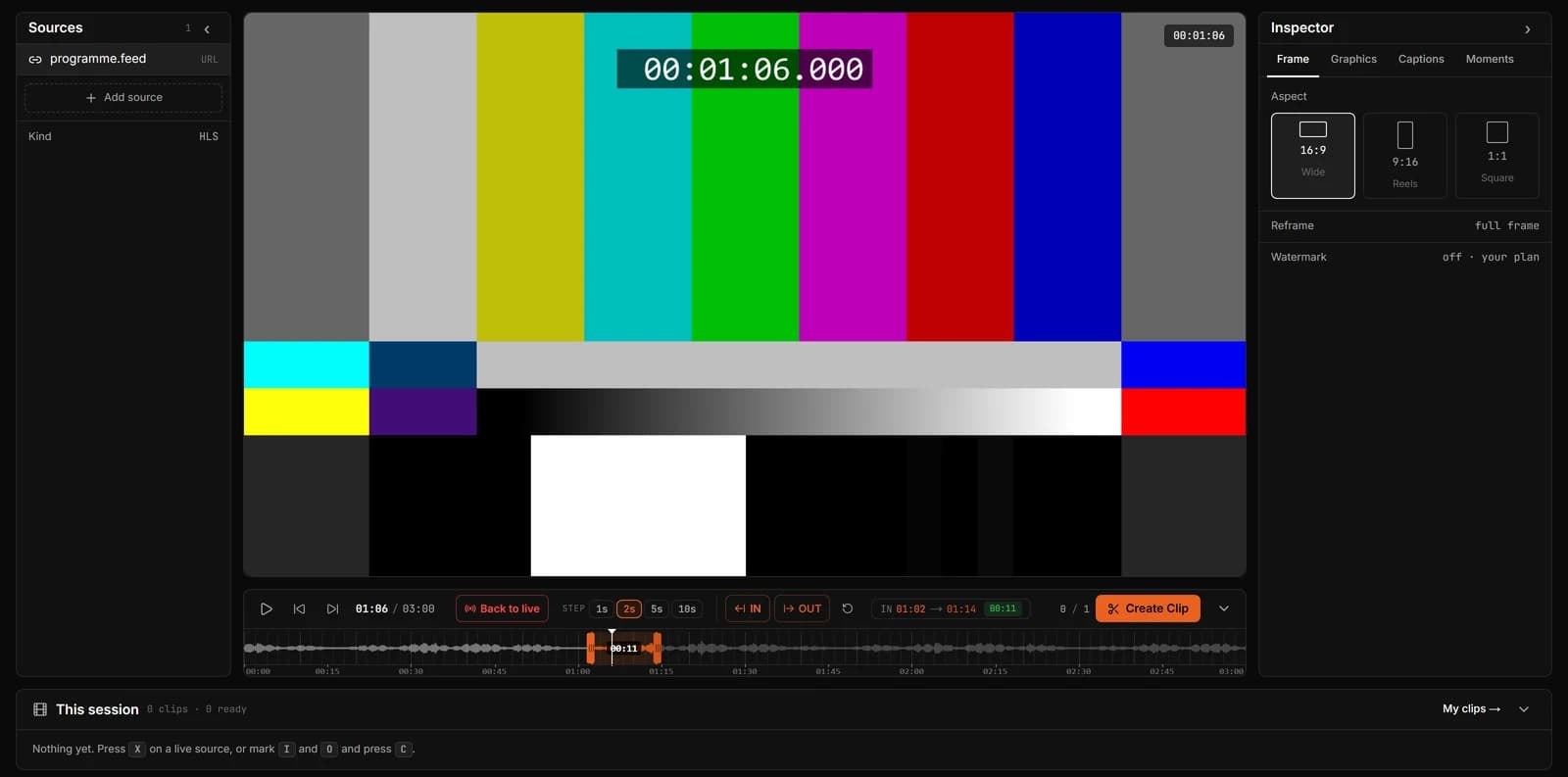
Set up Clip Last
- Step 1
Open the stream
Paste a live Twitch or Kick link, or share the browser tab the stream plays in, YouTube Live included. Streaming yourself? Choose Key and paste the server and stream key into OBS or your encoder for the lowest delay.
- Step 2
Pick the length
Choose 15, 30 or 60 seconds. 30 is the default, the natural length for Shorts, TikTok and Reels.
- Step 3
Press X when it happens
The clip is cut from what viewers just saw, framed the way you set it, and appears in your session.
It captures what you saw
A live picture reaches you a few seconds late. When you press X, ClipLive accounts for how far behind live you were watching, so the clip contains the moment you reacted to, not what the server had a few seconds later.
Questions
Does Clip Last work on a pasted Twitch or Kick link?
Yes. On a pasted live link, X takes the last 15, 30 or 60 seconds of what the player holds, ending where you are watching. Streams you send with a ClipLive stream key work the same way, with the lowest delay.
Can I clip a stream that will not open from a link?
Yes. Share the browser tab or window it plays in (Chrome or Edge on a computer), tick Share audio, and press X. Your screen stays on your computer: when you clip, only the last minute or so is sent to ClipLive, and only the clip is kept. A shared-screen clip can be up to 60 seconds.
What if the moment was longer ago?
The stream keeps roughly the last 5 minutes ready. Scroll back on the timeline, mark In and Out, and clip it. Beyond that, clip from a recording.
Is it free?
Yes. Clip Last works on the free plan, within the 10 clips a month.
Open a live stream and try Clip Last.
Streaming yourself? Clip from OBS with a stream key