Looking for a StreamLadder alternative that clips while you are live?
StreamLadder works from what the stream has already recorded: a VOD or a clip, reframed for vertical, with ClipGPT to find moments. ClipLive works on the live stream itself, so the clip is ready before the stream ends, and you choose the exact seconds.
Streaming yourself? Clip from OBS with a stream key
When StreamLadder is the better choice
If your stream is over and you want to turn the recording into vertical posts, with AI suggestions and scheduled posting to several platforms, a tool built around the VOD fits.
When ClipLive is the better choice
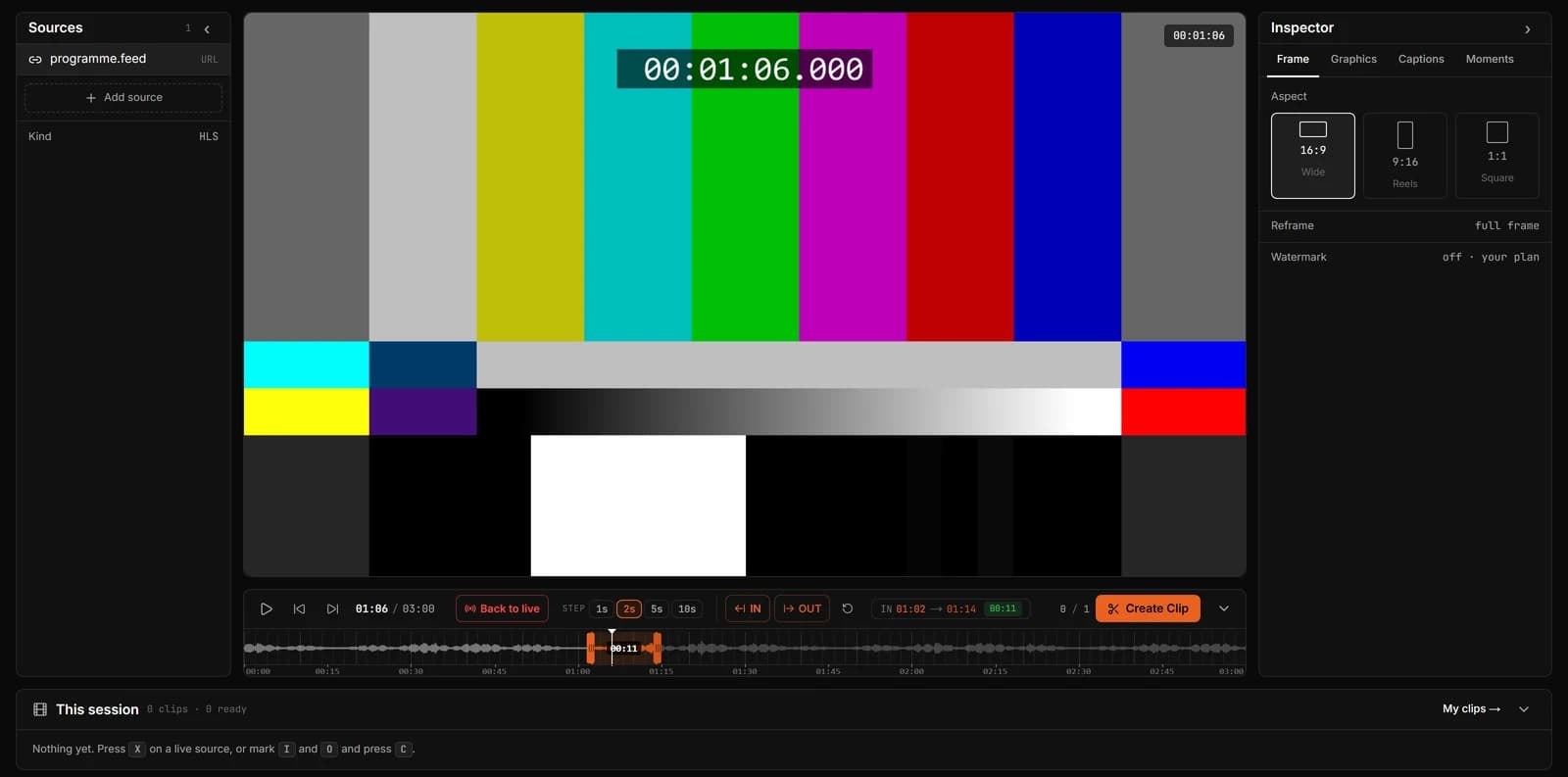
If the moment is happening now and you want it out while chat is still talking about it, you need to clip the live stream. ClipLive marks it on a waveform with hotkeys, or takes the last 30 seconds with one key.
ClipLive and StreamLadder side by side
Both make vertical clips from streams. They start from different places.
| ClipLive | StreamLadder | |
|---|---|---|
| Starts from | The live stream, while it runs | A VOD or an existing clip |
| Who picks the moment | You, live, with I and O, Clip Last or Stream Deck; Auto-clip on Pro | You, or ClipGPT suggests moments |
| Clip straight from the live stream | From a Twitch clip or the VOD | |
| Vertical output with captions | ||
| Post and schedule to TikTok, Shorts and Reels | Download; direct posting coming |
Compared on how each product is designed to be used, as described on its own site in October 2026.
Questions
Is ClipLive free?
Yes, during the open beta: sign up and clip with Pro features, no card. You can also make one clip without an account.
Does ClipLive pick clips automatically?
You pick the moment, with I and O, Clip Last or a Stream Deck key. On Pro, Auto-clip can also clip for you when the sound and the chat spike, and AI Moments suggests moments from a stream (beta).
Can I use both?
Yes. Clip the moments you want live with ClipLive, and run the recording through StreamLadder afterwards for anything you missed.
Clip the next moment while it is live.
Streaming yourself? Clip from OBS with a stream key