Clip the show while it is still running.
Send the programme feed from your encoder with a stream key. Mark moments on a waveform timeline, or capture the last 30 seconds with one key. Social clips are ready while the event is still live.
Streaming yourself? Clip from OBS with a stream key
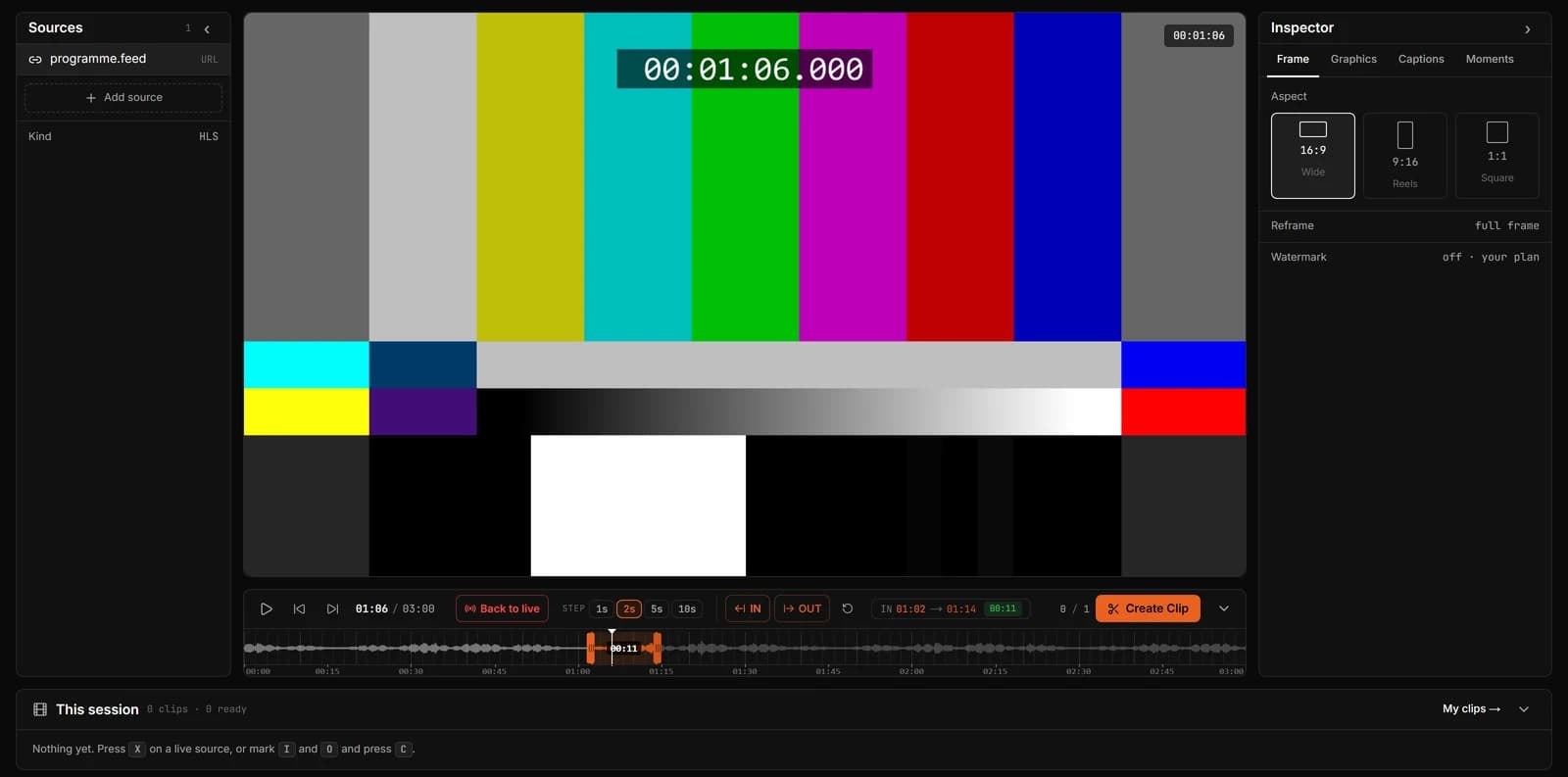
How a production team uses ClipLive
- Step 1
Feed it
Point any RTMP encoder (OBS, vMix, a hardware encoder) at your ClipLive stream key. The feed appears as a source in the workspace.
- Step 2
Mark
An operator marks In and Out on the waveform, or presses X to capture the moment that just happened.
- Step 3
Deliver
Clips come out as MP4 in 16:9 for the event page and 9:16 for social, grouped by session in the library.
Made by people who run live shows
ClipLive was built by engineers who produce live broadcasts. The details reflect that: a clip comes from the seconds you marked, even minutes into a live stream; one key captures what just happened; several sources sit side by side in one session.
- RTMP ingest from any encoder, with your own stream key
- Clip Last on one key: the last 15, 30 or 60 seconds
- Waveform timeline, so applause and speech are easy to find
- Several sources in one session, switch without losing clips
- 16:9, 9:16 and 1:1 from the same mark
Questions
Do we need special hardware?
No. Any encoder that can push RTMP works, including OBS and vMix. The workspace runs in a browser.
Can several people clip the same event?
Each operator can open the stream in their own workspace. Team seats on one account are not available yet.
How long does a clip take?
A few seconds for short clips once you press Create. Longer or reframed clips take a little longer to encode.
Can we try it on a rehearsal?
Yes. The free plan works with a stream key. Send the rehearsal feed and clip it.
Send a feed and clip your next event live.
Streaming yourself? Clip from OBS with a stream key